
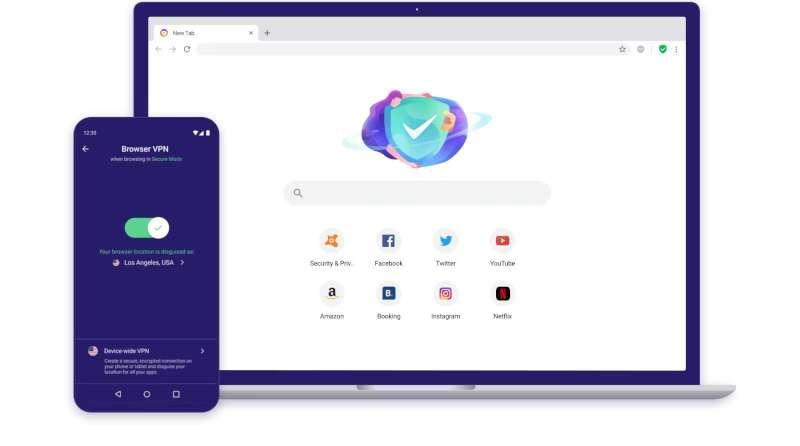
For a safe internet experience, the first step is to open a web browser already on your computer, such as Google Chrome or Mozilla Firefox, and go to the official website of Avast Secure Browser. When you enter the official page, you start the process by clicking on the “Free Download” button that comes directly in front of you. You can choose the desktop or the Downloads folder when the system asks you where you want to save the installation file.
When the download is complete, you find the installation file avast_secure_browser_setup.exe in your folder and double-click it to start the installation. At this point, Windows or your existing security software will ask you for permission to make a change; you approve this warning immediately. When the installer screen appears in front of you, you review the license agreement and press the “Accept and Install” button to continue the wizard. The installer quickly places all the necessary files on your computer.
Once the installation is complete, you can start the browser immediately or close the wizard and make this decision later. You are now ready to surf the digital world with full protection.
What is Avast Secure Browser and what are its features?
Avast, a giant in the world of security, has developed this privacy-focused web browser so that users can surf the Internet without leaving a trace and without fear. This browser is powered by the Chromium open source project; that is, it shares the same infrastructure and speed as Google Chrome. However, Avast adds enormous security capabilities to this speed.
The browser’s features are changing the internet experience: With the built-in ad blocker, you instantly block annoying ads on web pages. The “Banking Mode” feature creates a completely isolated and secure digital environment for your online shopping and banking transactions, which hackers can never penetrate. The advanced tracking protection integrated by developers permanently prevents websites from tracking you and taking your digital fingerprint.
Its smart password manager keeps all your login information safe, while automatic HTTPS encryption opens every site you enter over the most secure protocol. Plus, the browser blocks outdated Adobe Flash content that contains major security vulnerabilities by default, and its “Security Cleaner” tool completely erases your browsing history and cookies with a single click.
Step-by-step installation stages for Windows 10.
You start by opening Microsoft Edge, Google Chrome or Firefox on your Windows 10 computer. You type the official address of the game and software, avast.com/secure-browser, into the address bar and reach the download page. You click on the green “Download” button in the center of the page. When the download process starts, you select a folder that suits you to save the installation file.
Once the download is complete, find the avast_secure_browser_setup.exe file and double-click on it. Windows User Account Control will open a confirmation window on your screen; press the “Yes” button to continue with the installation. After approving the license agreement and giving the command “Accept and Install”, you wait for the installer to fill the bar. In the last step, you start the browser immediately by stepping into this safe world.
Simple guide for macOS and Android.
If you’re a Mac user, you visit Avast’s official website with Safari or your preferred browser. You click on the macOS-compatible “Download” button prepared for the Apple ecosystem. You open the .dmg extension disk image file that downloads to your computer by double-clicking it. You drag the Avast Secure Browser icon in the window that appears with your mouse and drag it into your Mac’s “Applications” (Applications) folder and complete the installation in seconds.
Now you can run the scanner directly from the Applications folder. The process is much more practical on a smartphone or tablet with the Android operating system; you immediately open the Google Play Store application. You type “Avast Secure Browser” into the search bar and find the official application signed by Avast Software. You start the download process by tapping the “Install” button. When your device recognizes the necessary security permissions and completes the installation, you enjoy full protection on mobile internet by tapping the browser icon that appears on your home screen.