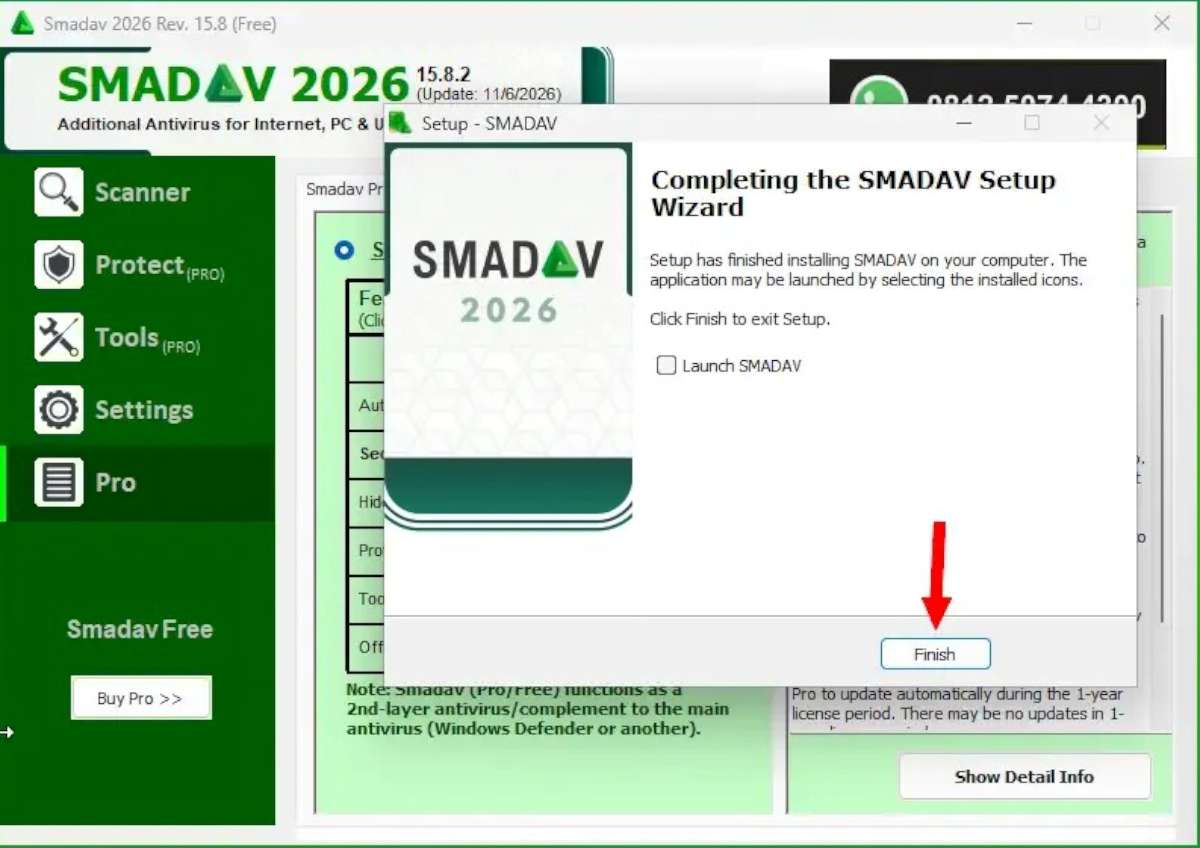
Smadav Antivirus 2026 blocks viruses that attempt to infect your computer by embedding themselves in or using the autorun.inf file on USB drives. It also scans older storage media, such as CDs and DVDs. When you insert a USB drive, it quickly scans it, removes any viruses if found, and prevents them from infecting your computer.
Although Smadav defines itself as a secondary antivirus, it is moving closer to becoming a full-fledged antivirus with each passing year. For example, versions released in 2023 and earlier had a relatively small virus database, containing approximately 4,000 to 5,000 identified virus entries. However, starting in 2026, the virus database expanded significantly, reaching approximately 60,000 to 70,000 entries. Additionally, with the integration of artificial intelligence support, it has already succeeded in joining the ranks of antivirus programs that are becoming increasingly effective at detecting viruses. Although it is originally from Indonesia, the software has begun to make its presence felt in new regions as well. We Americans don’t easily trust foreign security programs. However, Smadav is working hard to change that. If it proves useful to us and other users, we won’t stand in its way. Try it and see for yourself!!
Installation:
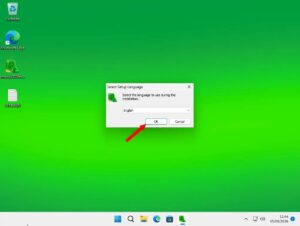
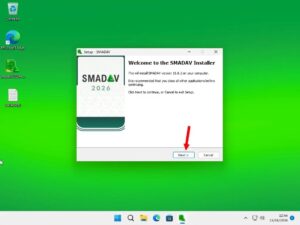
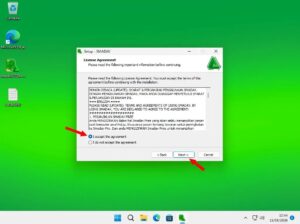
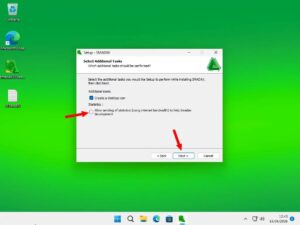
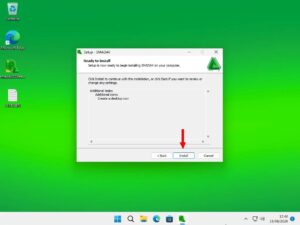
Double-click the smadav2026rev159.exe file you downloaded to your computer’s desktop. In the window that opens, leave the language selection as “English” without changing it, and click the “OK” button. In the next window, keep clicking the “Next” buttons. In the fourth window, click the “Install” button. Smadav 2026 will install quickly (in about 20 seconds). When the installation is complete, click the “Finish” button in the final window and wait for the software to open.
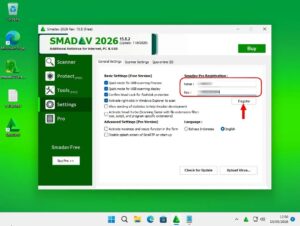
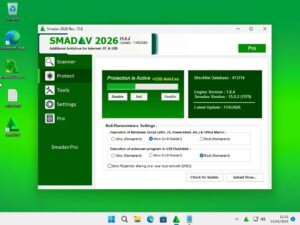
Once it opens, you’ll immediately see how easy it is to use. There aren’t many buttons on the interface. There are buttons such as Delete, Scan, Protect, and Settings. And of course, if you like the program, there’s also a “Pro” button for purchasing the Pro version. The free version is sufficient for the average user. But the Pro version may appeal to everyone with its exclusive additional features.
System requirements:
O.S.:
- Windows 11
- Windows 10 (32-bit and 64-bit)
- Windows 8 / 8.1 (32-bit and 64-bit)
- Windows 7 (32-bit and 64-bit)
Hardware:
- Processor: Intel Pentium 4 or equivalent
- RAM: 1 GB or more
- Free disk space: about 100 MB