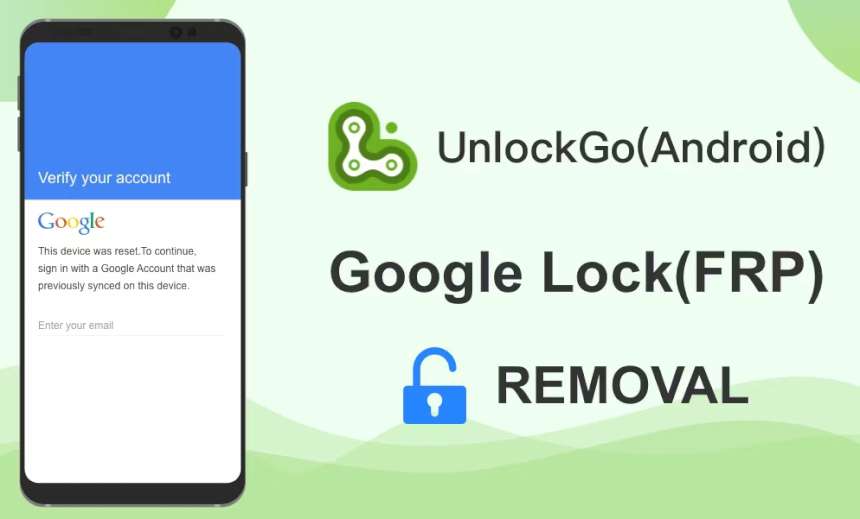
What is FRP (factory reset protection) and how do you remove it?
Our phones hold more of our personal lives today than almost anything else we own photos, banking apps, saved passwords, private messages. That’s exactly why Google built a safety net into Android called FRP, or Factory Reset Protection, designed to keep your data safe if your phone is ever lost or stolen.
What does frp actually do?
FRP has been part of Android since version 5.1 (Lollipop). Here’s how it works: once a phone is factory reset, it won’t let anyone finish setting it up again until they enter the password for the Google account that was signed in before the reset.
In practice, that means if someone steals or finds your phone, resetting it doesn’t actually get them anywhere , they still can’t use it. FRP protects your personal data and doubles as a real deterrent against theft.
Forgot your google password? Here’s what to do
If you’ve reset your phone and can’t remember your Google password, don’t panic. The safest, most reliable fix is Google’s own account recovery process no need to touch the phone’s software at all.
- Go to Google’s official account recovery page at accounts.google.com, using a computer or another phone.
- Select “Forgot password” and enter the email address or phone number linked to the account.
- Google will send you a verification code. If that code is set to arrive by text message to the phone you just reset, simply take the SIM card out and put it into another phone you have access to. You’ll receive the code there, set a new password, and get straight back into your device.
How to properly turn off frp before selling or giving away your phone
Planning to sell, gift, or hand off your phone? Removing frp the right way matters, so the next owner isn’t locked out.
- open Settings.
- go to System (on Samsung phones, this is called General Management).
- tap Reset Options.
- select Erase All Data (Factory Reset).
- follow the on-screen prompts to confirm.
Once that’s done, the phone restarts, and whoever sets it up next can sign in with their own Google account and start using it right away , no lock screen standing in the way.
Are third-party unlock tools safe?
Search around online and you’ll find no shortage of tools promising to unlock FRP for you. Worth knowing before you try one: these tools typically void your manufacturer’s warranty, and used incorrectly, they can permanently brick your phone.
Downloading files from unverified sources carries its own risk, too it opens the door to your personal data being compromised. Wherever possible, it’s worth sticking to Google’s official recovery tools or your phone manufacturer’s own support channels, whether that’s Samsung, Xiaomi, or another brand.
FRP isn’t there to make your life difficult it’s a smart security feature built to protect you. A forgotten password is fixable through the proper recovery steps, and if you’re handing off your device, following the official reset process above is really all it takes. Do that, and your data stays safe while the next owner gets a clean, ready-to-use phone.
DIRECT FRP BYPASS : bit.ly/frplock022