Zuko Store is an unofficial third-party game store that can be installed on Sony PlayStation 3 consoles and it has no connection to Sony’s official PlayStation Store at all. Once you jailbreak your PS3 with HFW or CFW, you can use this store to download free PKG and ISO format games directly over the console’s internet connection. On top of that, you don’t need a USB flash drive or a PC to install games. Before you start downloading though, you need to know whether your device is running HFW or CFW firmware. To find that out, turn on your PS3 and go to Settings → System Settings → System Information. You’ll see the Firmware Version listed there, that’s what you’re looking for. You’ll need this info because v3.5 and above comes in separate packages for HFW and CFW.
To download and use Zuko Store, webMAN MOD must be installed and up to date on your console. Otherwise the downloading process simply won’t work.
Installation steps:
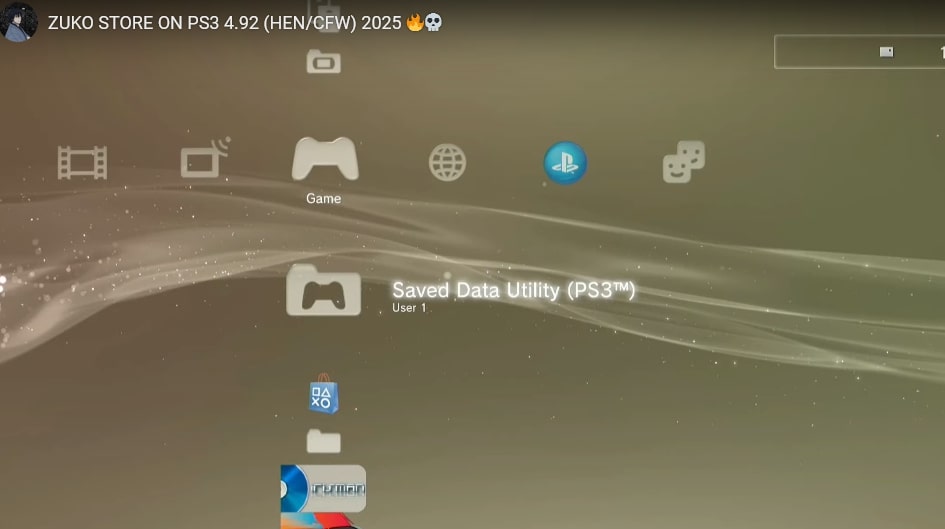
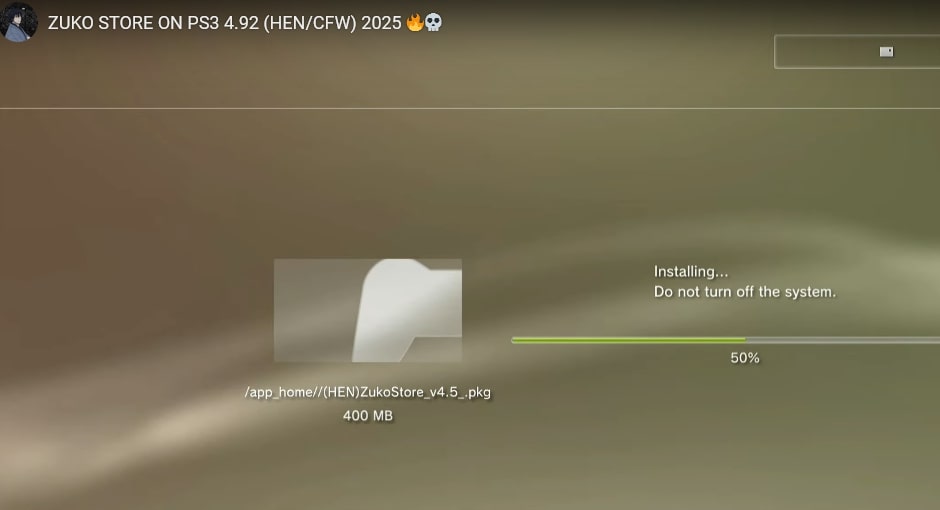
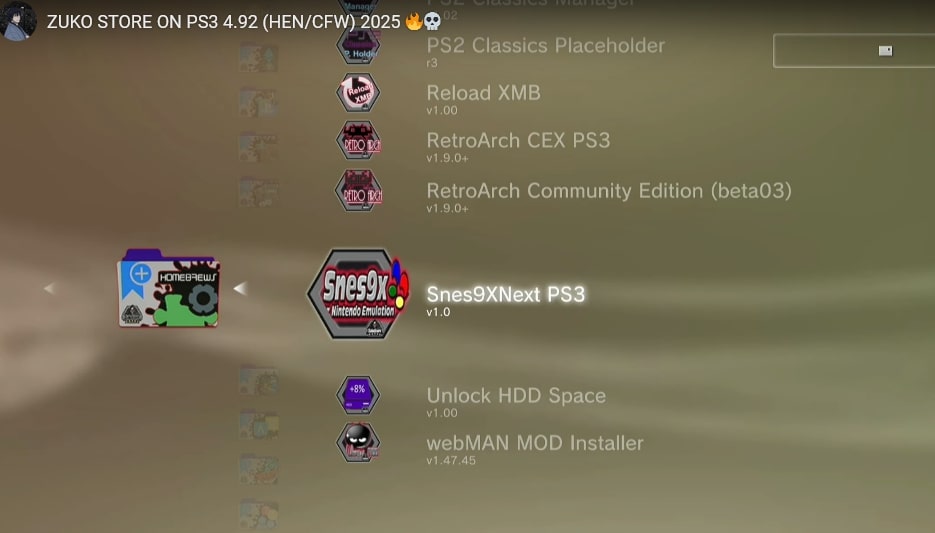
First, download the installation file and . Then transfer the PKG file to the root directory of a USB drive formatted with the FAT32 file system. Plug the USB drive into your PS3 then follow the standard path from the XMB menu : Game >> Package Manager >> Install Package Files . On the screen that comes up select your USB drive. Find the zukostore.pkg file inside and double-click it. The installation window will pop up at this point. Just go through it with the usual classic install method to finish up. After that you can browse Zuko Store and start downloading games from the library.
I covered this installation method for version 4.0 of Zuko Store. The same applies to PS3 systems running version 4.90 as well. That said please keep in mind that compatibility can vary across different firmware versions so make sure to check the requirements! Also always make sure your PS3 system software is updated to a stable and supported version…!