
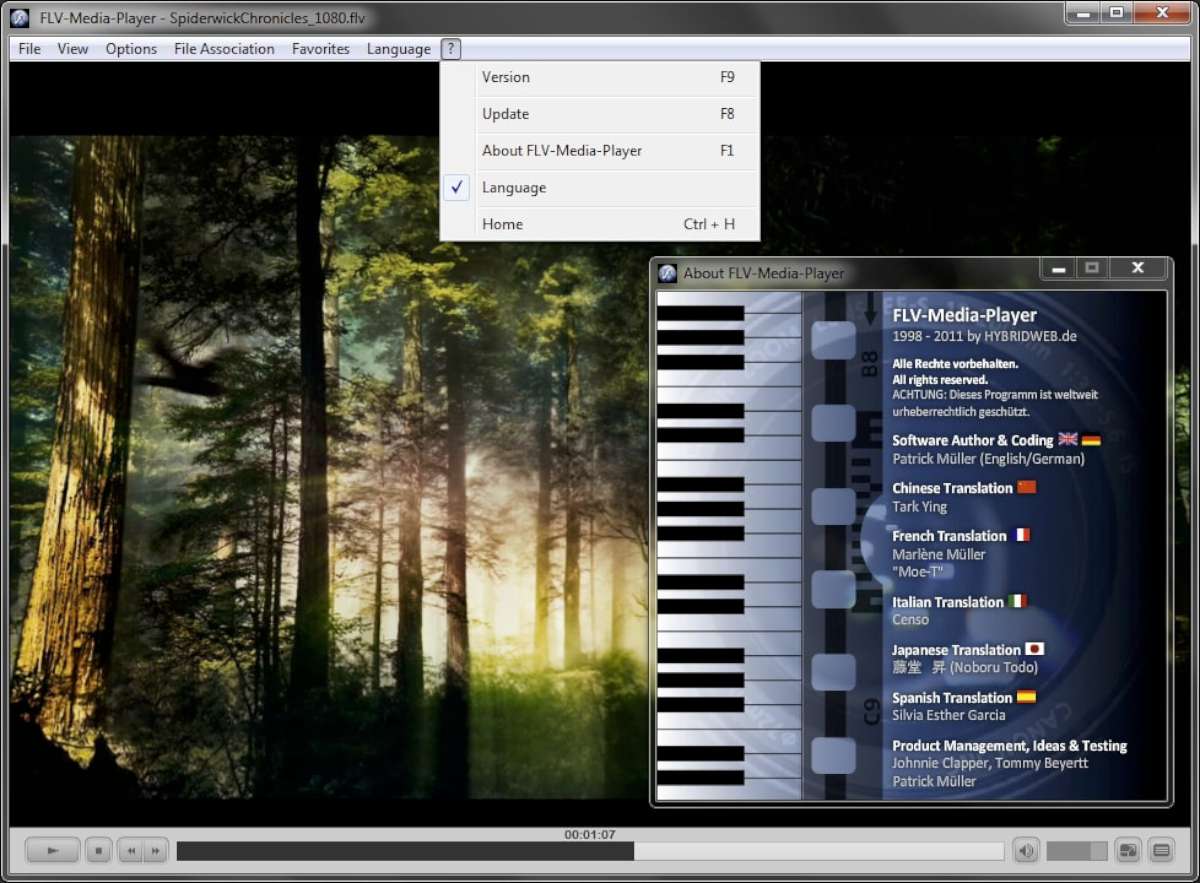
FLV Player is a free, lightweight and easy to use tool to rediscover your old Flash Videos and keep your memories alive on any modern computer.
When Flash videos gained popularity, FLV Player became the most popular software to watch your favorite clips on a computer. Here we are in 2026, and while the world has moved on from making flash videos, many people still have those old files sitting around waiting to be played.
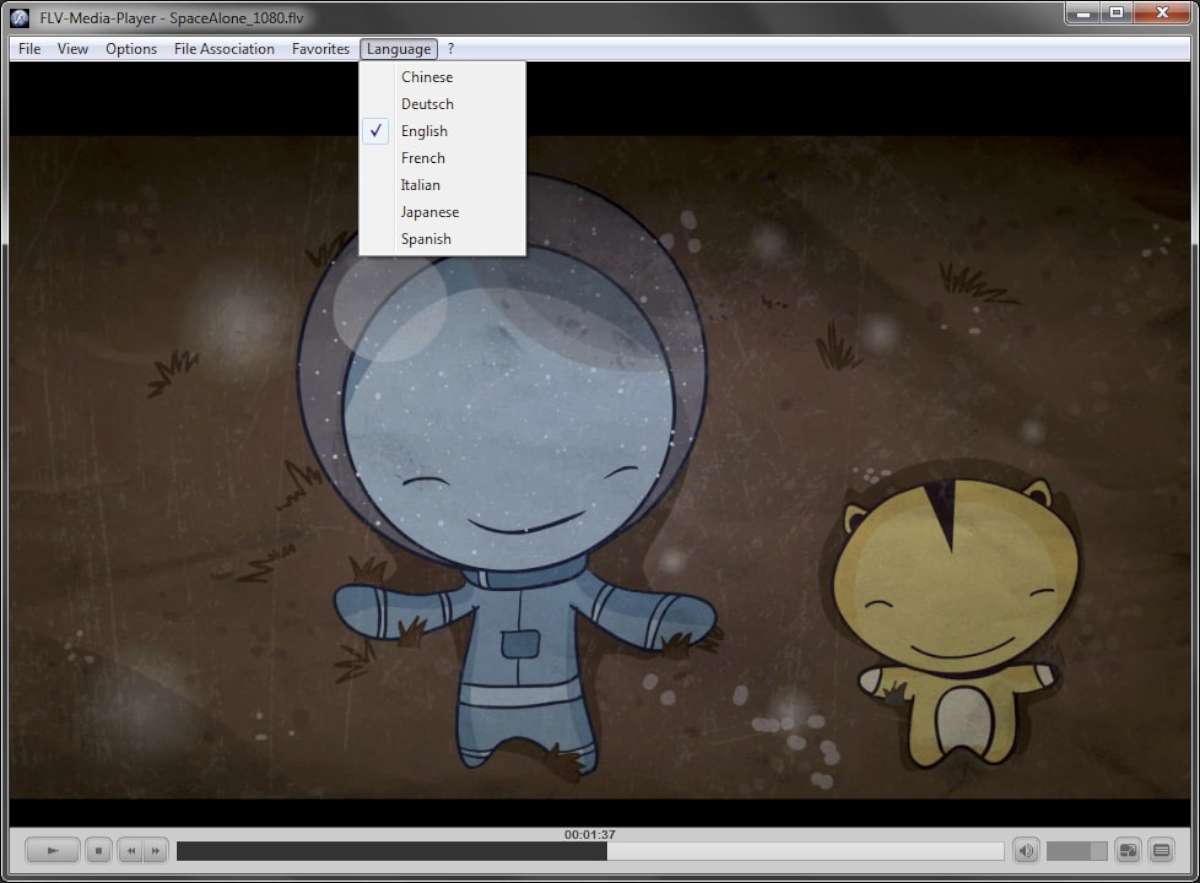
FLV Player hasn’t lost it’s touch. The latest version is free, easy to use and works perfectly with all modern operating systems. It’s lightweight but it is packed with the essentials, with only 29MB to download and a quick 10MB once installed. The program is available in seven languages: German, English, Spanish, French, Italian, Japanese and Chinese.
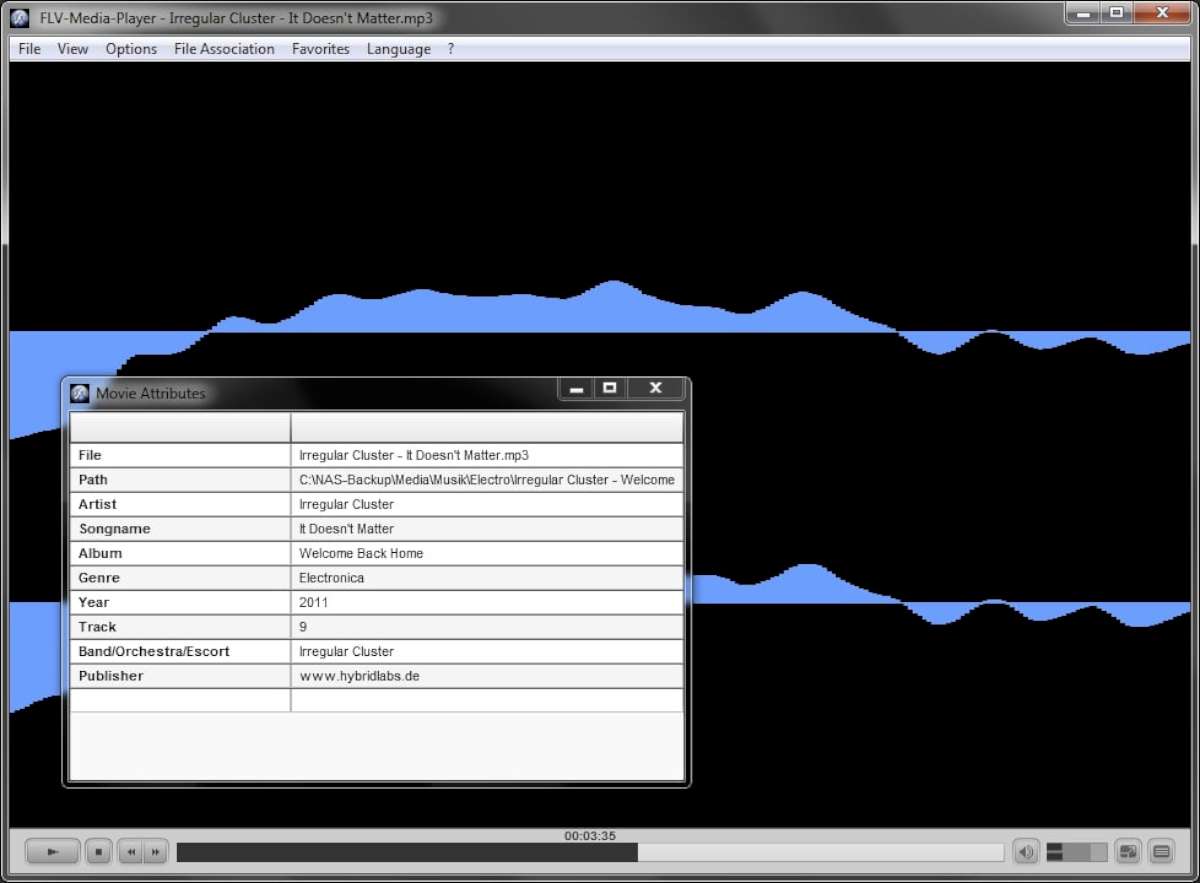
The mechanics of the player itself are simple. The design is reminiscent of the classic Windows Media Player, giving users the bare essentials: play, pause, fast forward, rewind, volume control, a time bar and buttons to open or close files. No clutter, no unnecessary features just a simple way to enjoy FLV Videos. It is easy to resize the window, so viewers can resize the screen as they wish.
New FLV files may be a thing of the past, but FLV Player is still an important tool. If you have a collection of old Flash videos that you would like to keep as memories, this program is perfect for you. You can do this for free, and you do not need a license. The installation is simple and guided, so you do not need any technical knowledge. FLV Player is still just a click away for those who want to relive the golden age of Flash.
Pictures Gallery
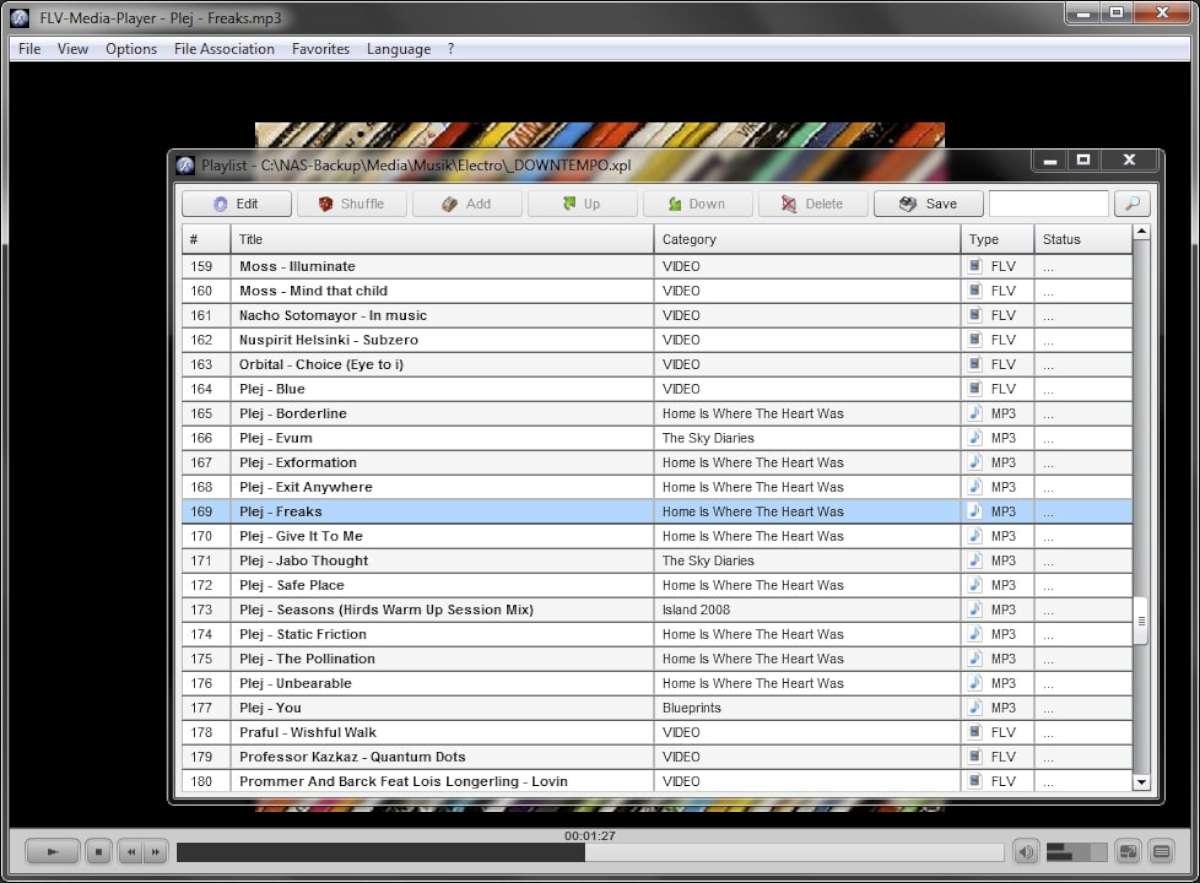
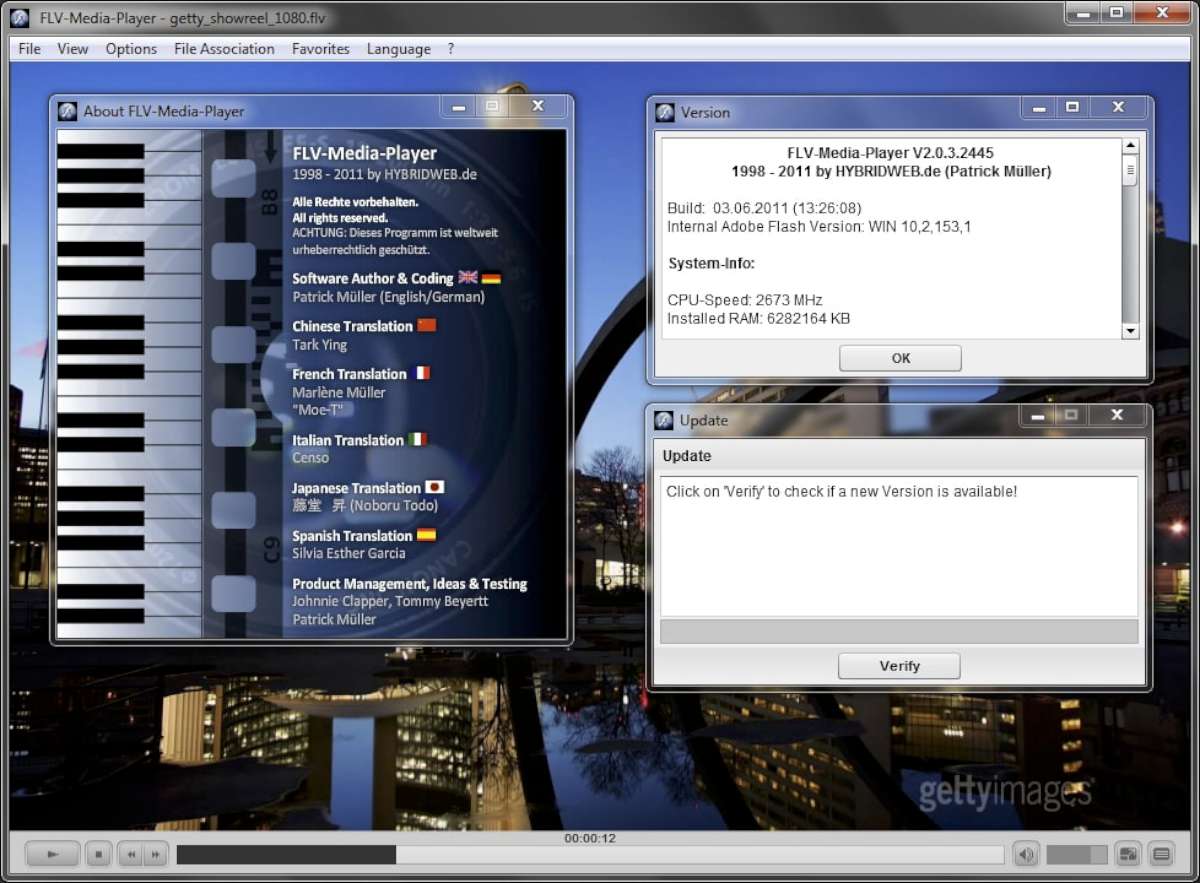
Standards
| Criteria | Standard Players | FLV Player |
| Launch Speed | 3-5 Seconds | < 1 Second |
| Legacy Format Support | Limited / Buggy | Full Support (Native) |
| RAM Usage | 250 MB+ | ~40 MB |
| Ads/Bloatware | Often Ad-supported | 100% Clean & Free |
CMD Functions
| CMD-Function | On | Off |
|---|---|---|
| Fullscreen | /f | /F |
| Menu | /m | /M |
| Controlfield | /c | /C |
| Auto-Hide Controlfield | /h | /H |
| Auto-Start | /s | /S |
| Loop-Media | /l | /L |
| Always-On-Top | /t | /T |
| Ballon-Help | /b | /B |
| Smoothing | /s | /S |
| Proportional-Scaling | /p | /P |
| Auto-Rewind | /r | /R |
Keyboard Commands
| Keyboard Command | Function |
|---|---|
| F1 / A | Open About Window |
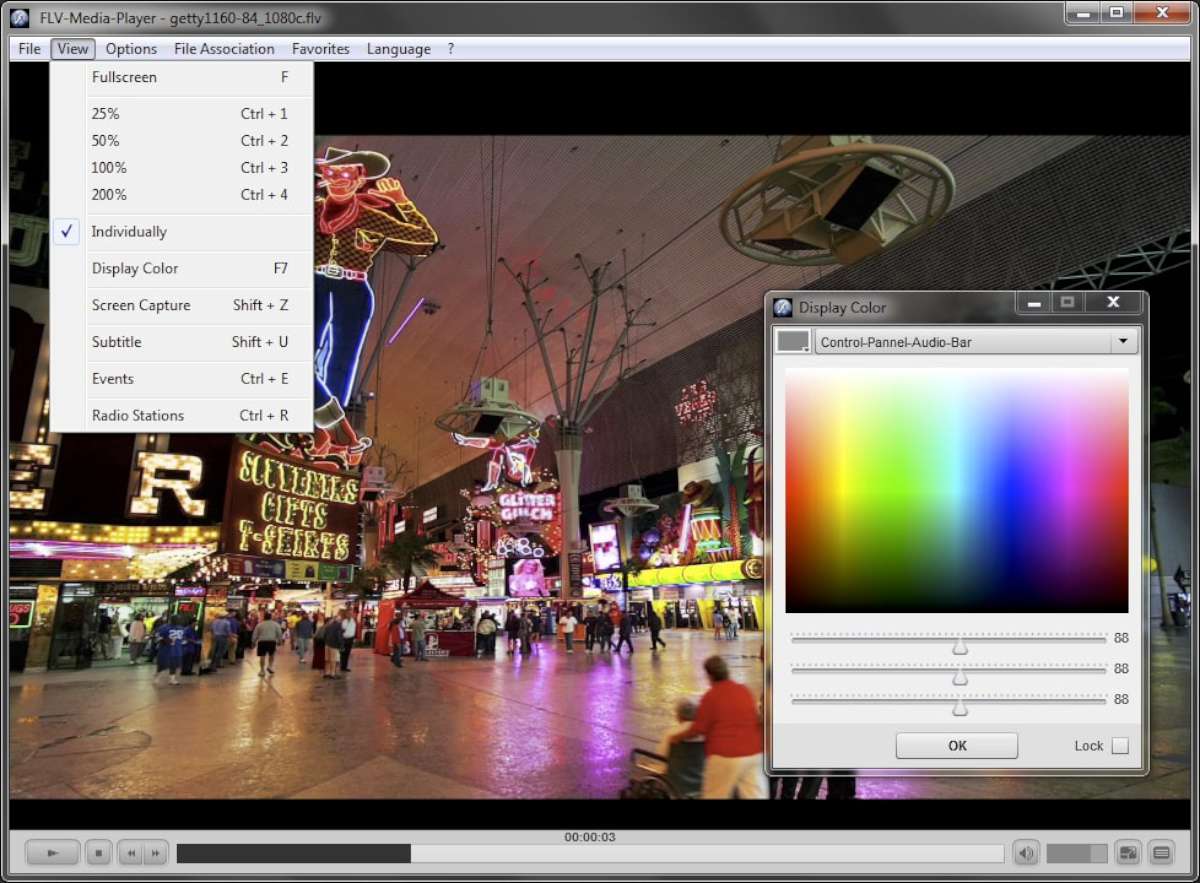
| F7 / C | Open Color-Settings Window |
| F4 / I | Open Media-Properties Window |
| F2 / L | Open Playlist Window |
| F3 / O | Open Favorites |
| F5 / R | Open Recent-Files Window |
| F6 / T | Open Sleeptimer Window |
| F8 / U | Open Update Window |
| F9 / V | Open Version Window |
| P | Pause / Play |
| S | Stop and Rewind |
| Pause / Break | Pause / Play |
| M | Audio Mute |
| Cursor Left | Back |
| Cursor Right | Forward |
| Cursor Up | Volume Up |
| Cursor Down | Volume Down |
| F | Fullscreen |
| Alt | Activate Menubar |
| Space | Pause / Play |
| Ctrl + 1 | Zoom 25% |
| Ctrl + 2 | Zoom 50% |
| Ctrl + 3 | Zoom 100% |
| Ctrl + 4 | Zoom 200% |
| Ctrl + E | Open Events |
| Ctrl + F | Open Folder |
| Ctrl + H | WWW |
| Ctrl + L | Peakmeter / Levelmeter |
| Ctrl + O | Open File |
| Ctrl + R | Open Stations |
| Ctrl + S | Save File |
| Ctrl + U | Open URL |
| Shift + A | Autostart On / Off |
| Shift + B | Ballon Details On / Off |
| Shift + C | Control Panel On / Off |
| Shift + D | Create Desktop Icon |
| Shift + E | Event Alert On / Off |
| Shift + F | Create Favorite Shortcut |
| Shift + H | Auto-Hide On / Off |
| Shift + L | Loop Media On / Off |
| Shift + M | Menu On / Off |
| Shift + P | Proportional On / Off |
| Shift + R | Autorewind On / Off |
| Shift + S | Smoothing On / Off |
| Shift + T | Always On Top On / Off |
| Shift + U | Captioning On / Off |
| Shift + X | Delete Personal Data |
| Shift + Z | Capture Screen |
| Esc | Exit Application |
| Mousewheel | Volume Up / Volume Down |