

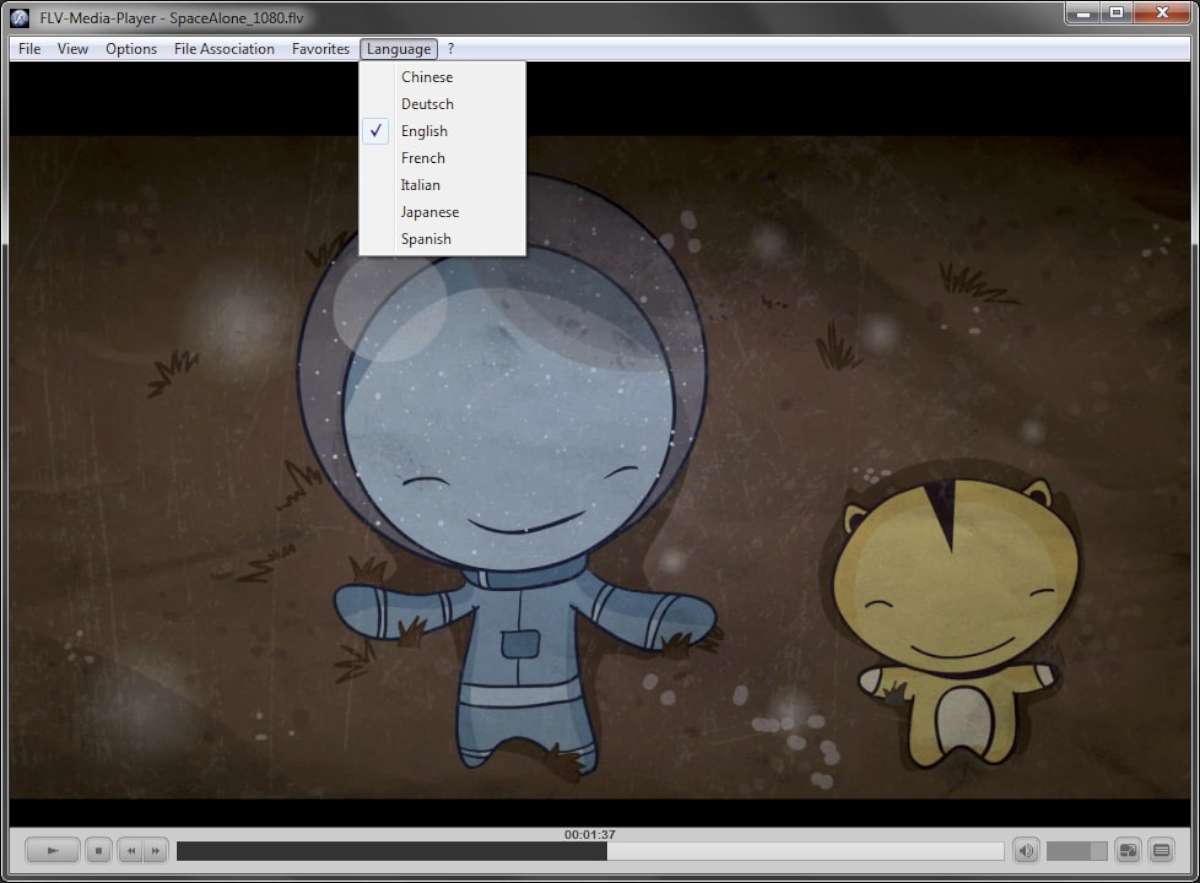
So you have got some old FLV files lying around and you need a way to play them that is where FLV Player comes in. This desktop app is specifically designed for playing Flash videos and the best part? It is completely free, including the 2026 release. The installer is a mere 29 MB and once it is done, it leaves behind a tiny 10 MB folder on your C. drive. Inside that folder, you will find language files for seven languages. German, English, Spanish, French, Italian, Japanese and Chinese that is all it supports though.
The interface is super simple it is bare-bones really. You get the basics. play, pause, fast-forward, rewind, volume, timeline scrubbing and file open. That is about it no frills no overwhelm. Just double-click an FLV file and it starts playing right away. Now I know what you’re thinking. FLV is a dead format … right? Adobe killed Flash a while back, so nobody’s making FLV videos anymore. But if you’re like me, you have still got some old files floating around and you need a player that works on modern operating systems. That is where FLV Player 2026 comes in it is still available as a full free download.
Visually it is a lot like the old Windows Media Player you know, the classic one. You can grab the corner of the window and resize it, and the video will scale up or down to fit your needs. It is pretty straightforward really. To get started, just download the setup file, run the wizard and you are good to go. No license no fees just the full version, ready to play your old FLV files. If that’s all you need this little tool does the job nicely.
Pictures Gallery
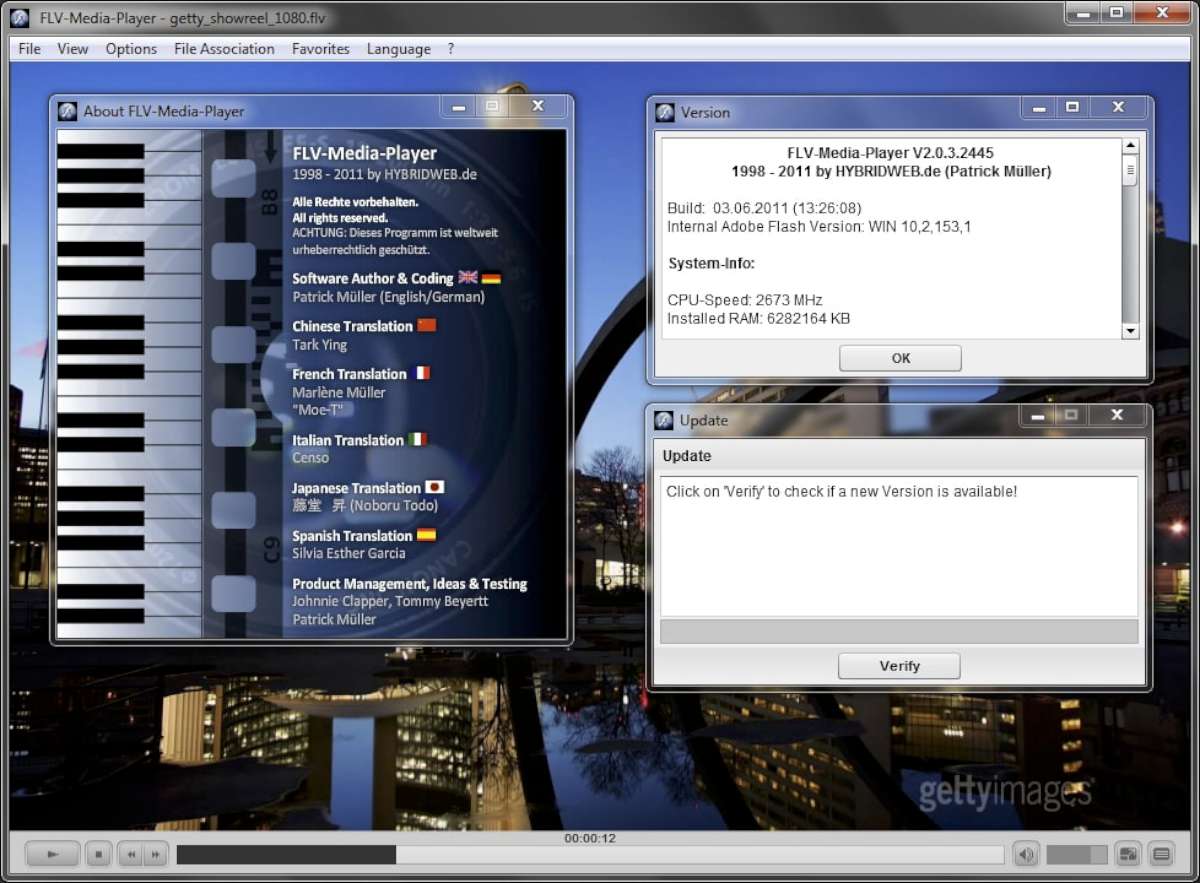
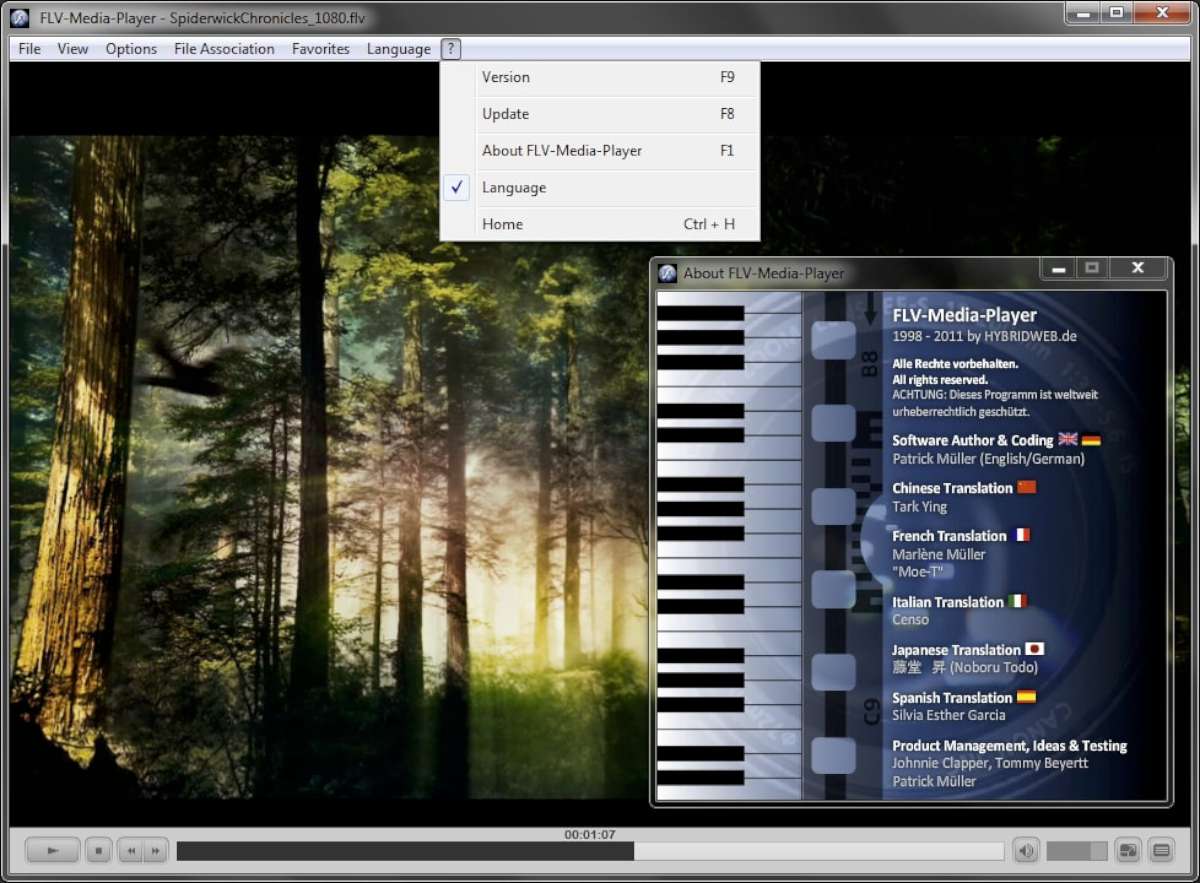
Standards
| Criteria | Standard Players | FLV Player |
| Launch Speed | 3-5 Seconds | < 1 Second |
| Legacy Format Support | Limited / Buggy | Full Support (Native) |
| RAM Usage | 250 MB+ | ~40 MB |
| Ads/Bloatware | Often Ad-supported | 100% Clean & Free |
CMD Functions
| CMD-Function | On | Off |
|---|---|---|
| Fullscreen | /f | /F |
| Menu | /m | /M |
| Controlfield | /c | /C |
| Auto-Hide Controlfield | /h | /H |
| Auto-Start | /s | /S |
| Loop-Media | /l | /L |
| Always-On-Top | /t | /T |
| Ballon-Help | /b | /B |
| Smoothing | /s | /S |
| Proportional-Scaling | /p | /P |
| Auto-Rewind | /r | /R |
Keyboard Commands
| Keyboard Command | Function |
|---|---|
| F1 / A | Open About Window |
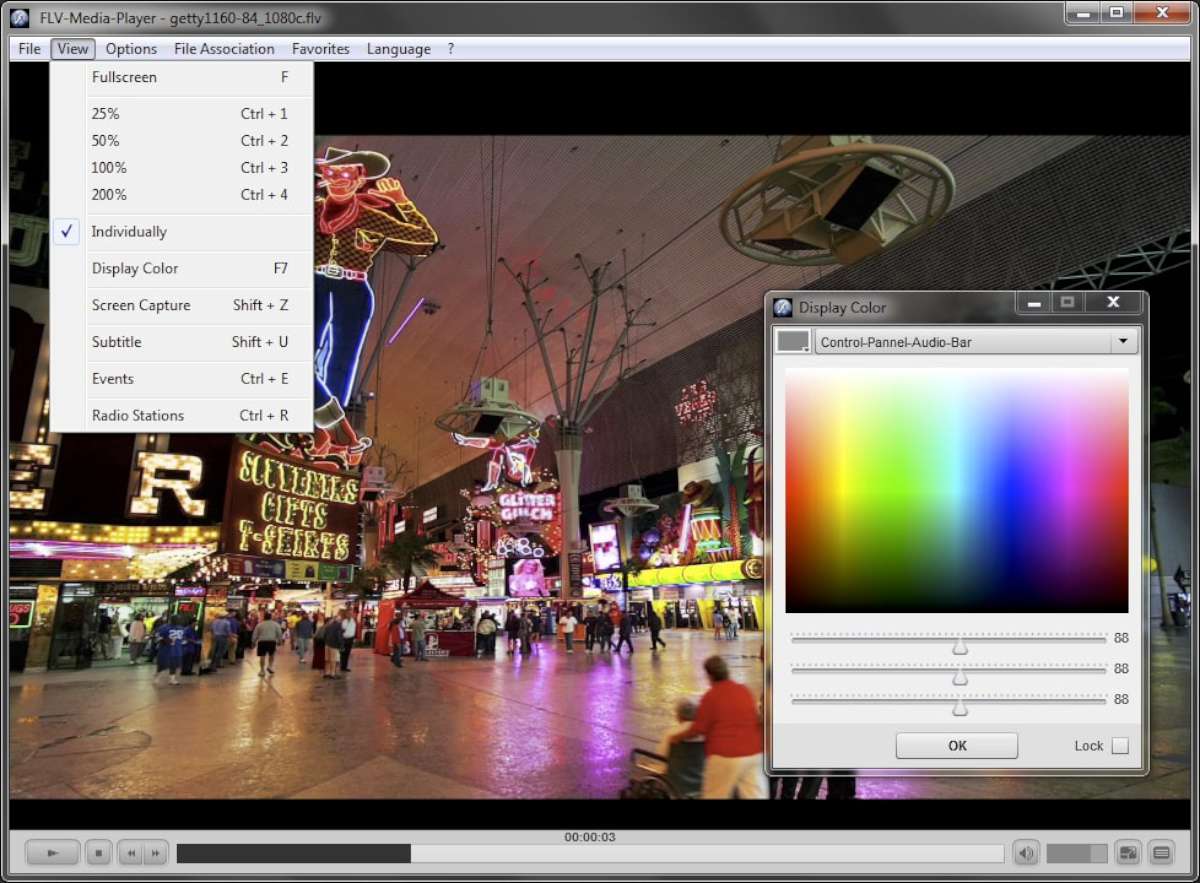
| F7 / C | Open Color-Settings Window |
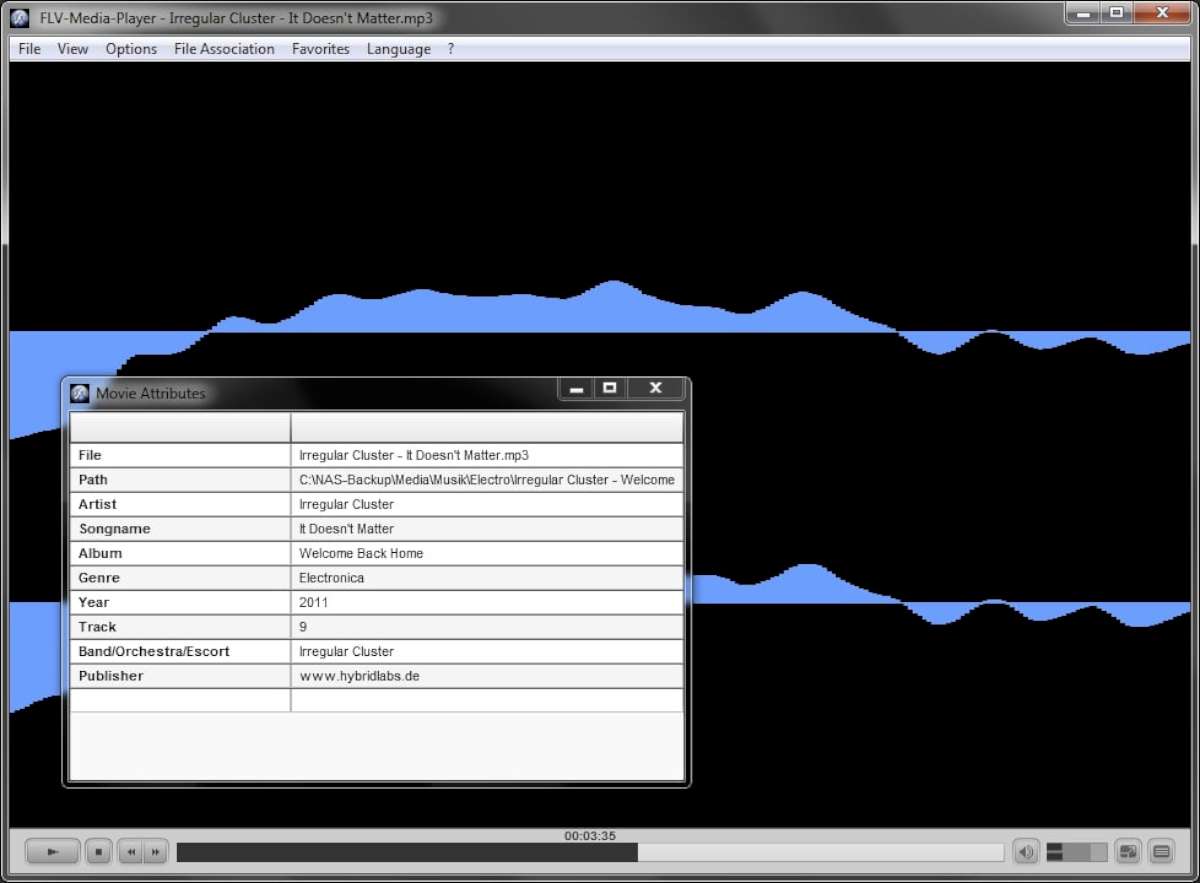
| F4 / I | Open Media-Properties Window |
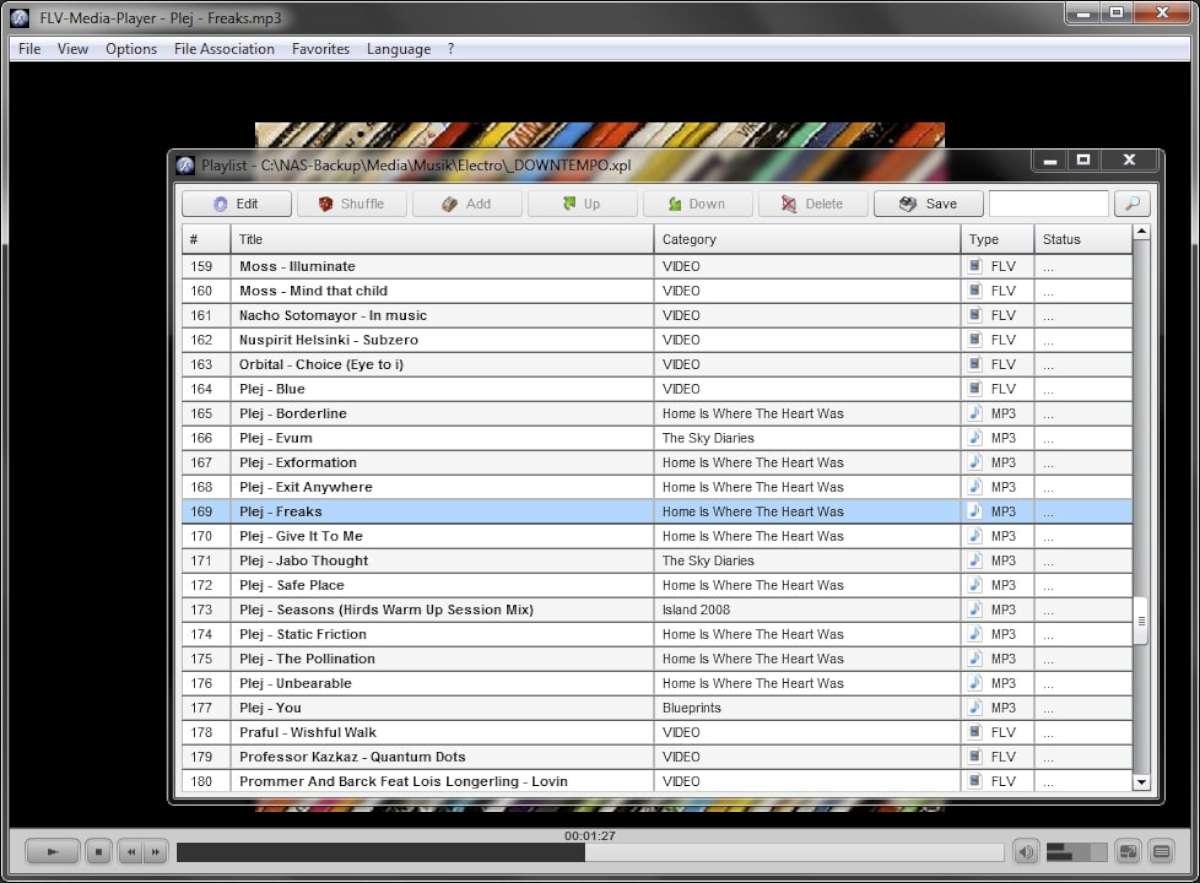
| F2 / L | Open Playlist Window |
| F3 / O | Open Favorites |
| F5 / R | Open Recent-Files Window |
| F6 / T | Open Sleeptimer Window |
| F8 / U | Open Update Window |
| F9 / V | Open Version Window |
| P | Pause / Play |
| S | Stop and Rewind |
| Pause / Break | Pause / Play |
| M | Audio Mute |
| Cursor Left | Back |
| Cursor Right | Forward |
| Cursor Up | Volume Up |
| Cursor Down | Volume Down |
| F | Fullscreen |
| Alt | Activate Menubar |
| Space | Pause / Play |
| Ctrl + 1 | Zoom 25% |
| Ctrl + 2 | Zoom 50% |
| Ctrl + 3 | Zoom 100% |
| Ctrl + 4 | Zoom 200% |
| Ctrl + E | Open Events |
| Ctrl + F | Open Folder |
| Ctrl + H | WWW |
| Ctrl + L | Peakmeter / Levelmeter |
| Ctrl + O | Open File |
| Ctrl + R | Open Stations |
| Ctrl + S | Save File |
| Ctrl + U | Open URL |
| Shift + A | Autostart On / Off |
| Shift + B | Ballon Details On / Off |
| Shift + C | Control Panel On / Off |
| Shift + D | Create Desktop Icon |
| Shift + E | Event Alert On / Off |
| Shift + F | Create Favorite Shortcut |
| Shift + H | Auto-Hide On / Off |
| Shift + L | Loop Media On / Off |
| Shift + M | Menu On / Off |
| Shift + P | Proportional On / Off |
| Shift + R | Autorewind On / Off |
| Shift + S | Smoothing On / Off |
| Shift + T | Always On Top On / Off |
| Shift + U | Captioning On / Off |
| Shift + X | Delete Personal Data |
| Shift + Z | Capture Screen |
| Esc | Exit Application |
| Mousewheel | Volume Up / Volume Down |