
How to Download
The Download Page is a welcome page where you can find articles in the FAQ section related to downloading computer games and PC software.
It is a guide to help you if you encounter problems installing a program on your computer or smartphone. You can find the necessary information to safely and easily download various software categories. Each page provides step-by-step explanations on how to access the official download source, how to select the correct version, how to verify the safety of downloaded files and which warnings to expect.
We have also listed all the steps in a basic logical order to save you time. This means that you won’t be left wondering what to do while searching for answers to questions such as Which button should I press? or Is this the right file?.
This is because we regularly update the category. This allows you to easily access the latest download instructions for any popular programme as well as the newest tools released on the market and see what you need at a glance.
-
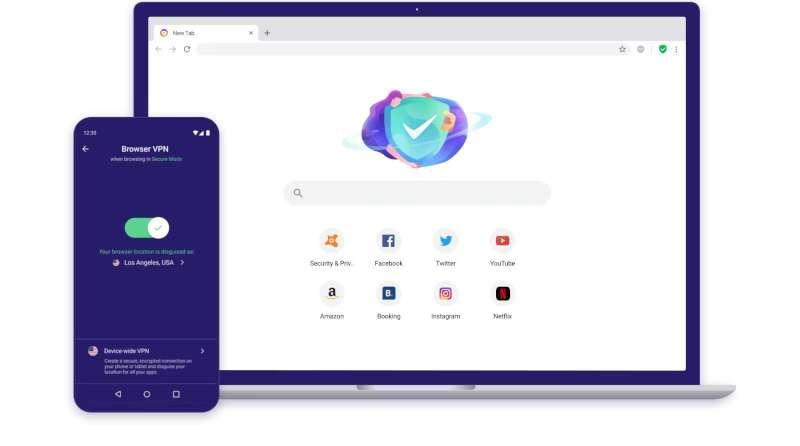
How to download Avast Secure Browser
Open your current web browser (e.g. Google Chrome or Mozilla Firefox) and access the Avast Secure Browser official site. The main page typically indicates extremely…
-
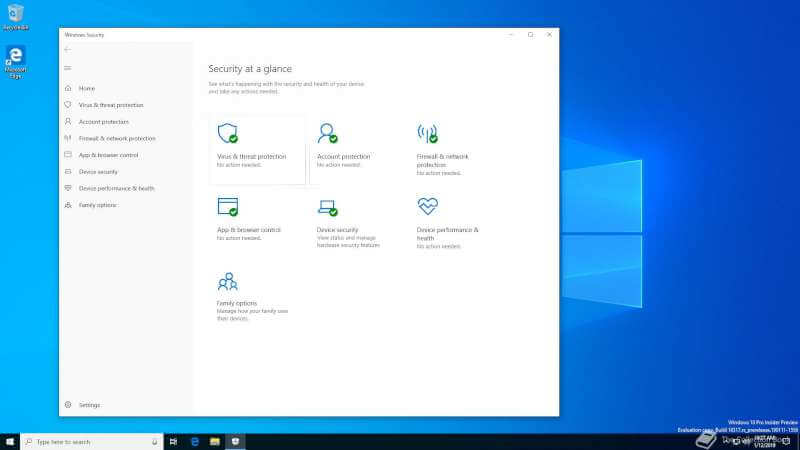
How to download Microsoft Defender
Microsoft Defender is your computer’s built-in security. Think of Microsoft Defender as the built-in security guard that comes standard with Windows operating systems like 7,…
-

How to download Tekken 8 Game for PC
1. First, Let’s Check the System Requirements You’ll want to ensure your PC meets at least the minimum system specs, but aiming for the recommended…
-

How can i download a youtube video
So, you’re looking to download a YouTube video? Well, first thing’s first, you should know that this technically goes against YouTube’s Terms of Service. The…
About

Ashley McKinnel
Editor in Chief
My name is Ashley McKinnel. Born in 1989, I am from New York City. Since childhood, I have been designing websites and writing software reviews.