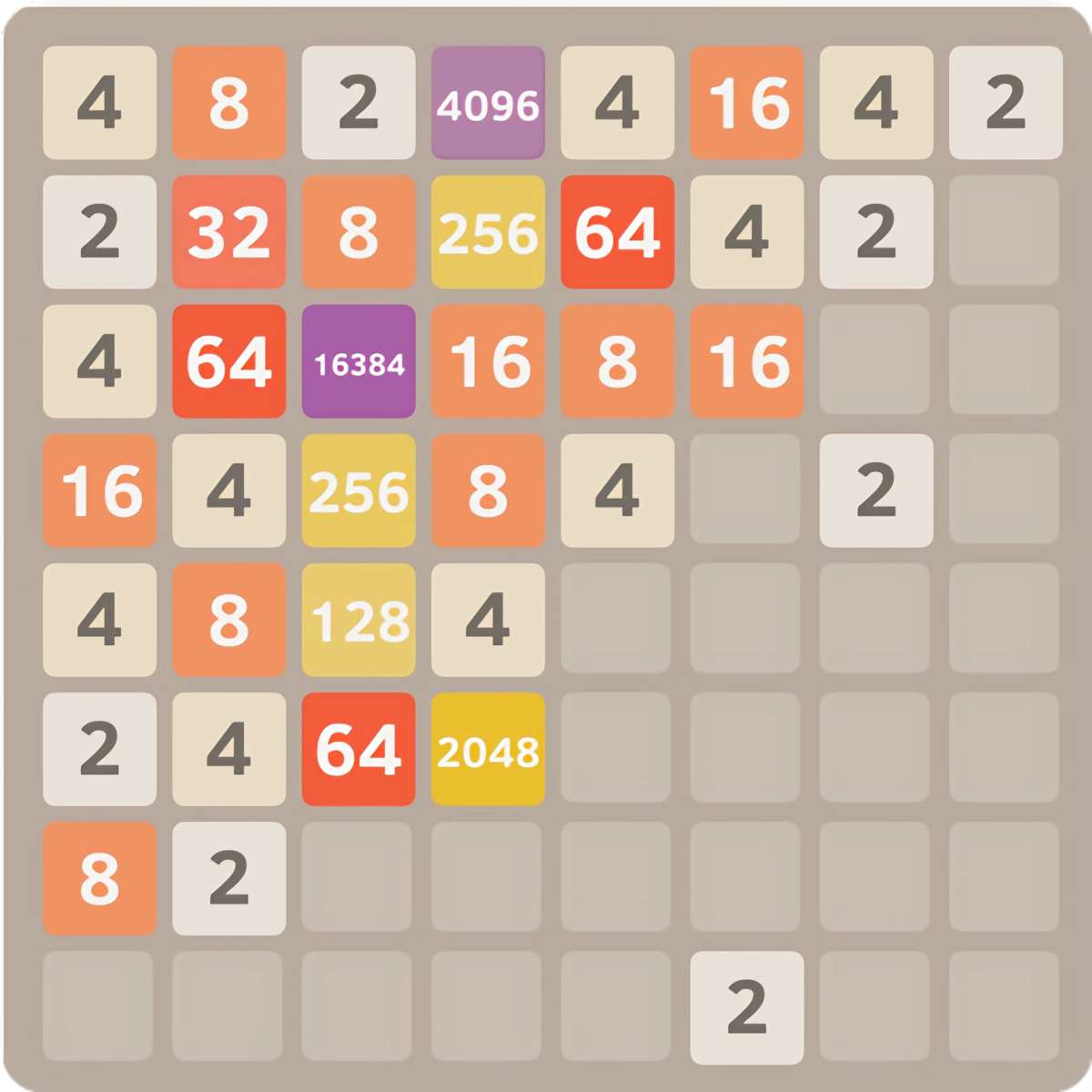
Hosts 2048 txt file is a hosts with your domain on how to use. Do you want to try a online version of this 2048 game on your computer or put it up for your site? With the specially prepared hosts-2048. A local dev environment is as simple as creating a few lines in a txt file and perhaps blocking ads and tracking services at the same time if you wanted to.
In this guide we are going to briefly go over just what a hosts file is, what it does and how you can use it for the 2048 game.
What is a hosts file
A local hosts file is a fundamental yet powerful system-level file that directs your computer about the IP address you need to connect with when you communicate via domain.
In most cases, when you enter a domain name in your browser that recognizable name is resolved against DNS to an address (an IP) of a server on the internet. But if that translation is not suitable for you, you can have it (over)written by editing the hosts file.
What are the hosts-2048.txt
The provided hosts-2048. The txt file fulfills two primary roles:
- Local Development Environment
- This defines a dummy domain name such as 2048. local so you can run the game files on your own machine.
- Now hitting with browser the 2048.local opens the game and is ready to test.
- Ad and Tracker Blocking (Optional)
- The file contains a list of popular ad and tracking services that are filled out for you, like Google Ads, Amazon Ads, Facebook Connect, etc.
- Simply remove the # from their lines to enable blocking of these services.
- So that you can enjoy the game without annoying ads or trackers.
- Example hosts-2048.txt Lines
The most important file lines are these:
text

127.0.0.1 2048.local

::1 2048.local
IPv4 address127.0.0.1 – Points to your own machine
::1 — does the same for IPv6.local – When you enter this URL in your browser, it gets routed to a server that is running right on your machine.
Below is part of an ad blocker example lines that you can copy for blocking ads:
text

0.0.0.0 pagead2. googlesyndication. com

0.0.0.0 ad.doubleclick.net

0.0.0.0 google-analytics. com
These lines would block those domains and prevent their ads from appearing by removing the # at the start.
How to Use the hosts-2048.txt
Always create a backup of your current hosts file first. You can find it here:
- Windows: C:\Windows\System32\drivers\etc\hosts
- macOS: /etc/hosts
- Linux: /etc/hosts
- Add the New Entries
- Run the hosts file with elevated privileges (Windows) or get root access to edit the text.
- Add the lines 127.0.0.1 2048. local and ::1 2048. local to the file.
- Enable Ad Blocking (Optional)
- If you want to get rid of ad which makes the text unreadable, uncomment few lines by deleting # in front of them.
- If after doing this a site doesn’t function correctly, simply put the # back at the start of that line to deactivate the block.
- Open your Browser and connect to http://2048.local to run the game.
Getting the 2048 Game on Your Website
If you wish to offer your visitors a chance to play 2048 online, you can simply use the provided HTML, CSS and JavaScript.
- Create an index.html file.
- Call it a file again and save it after copy the game code into it.
- Now, upload that file to your server
- The game is hosted live and playable as soon as you open its URL in a browser.
If you want to use it for a WordPress site or other CMS, you don’t need to create an index. html file. All you have to do is open the HTML editing function of your page and paste the game code there.
With the hosts-2048. txt file, you can:
- Try locally the 2048 game on your computer,
- You can just easily integrate on your web site,
- And also block ads and tracking services if you want.
- Setup is a breeze and usage is straightforward – best of all, it’s free.