

Firefox fans frequently seek distinct background images to personalize their digital workspaces. Finding high-quality options that remain gentle on the eyes while preserving desktop clarity represents a genuine challenge. This exclusive collection delivers bespoke, high-resolution assets tailored precisely for widescreen monitors, ensuring your favorite browser logo shines without creating visual clutter.
Mosaic Pattern Wallpaper

September 2, 2024
117 KB
1280 by 720 pixels
Transparent Spot Light Wallpaper
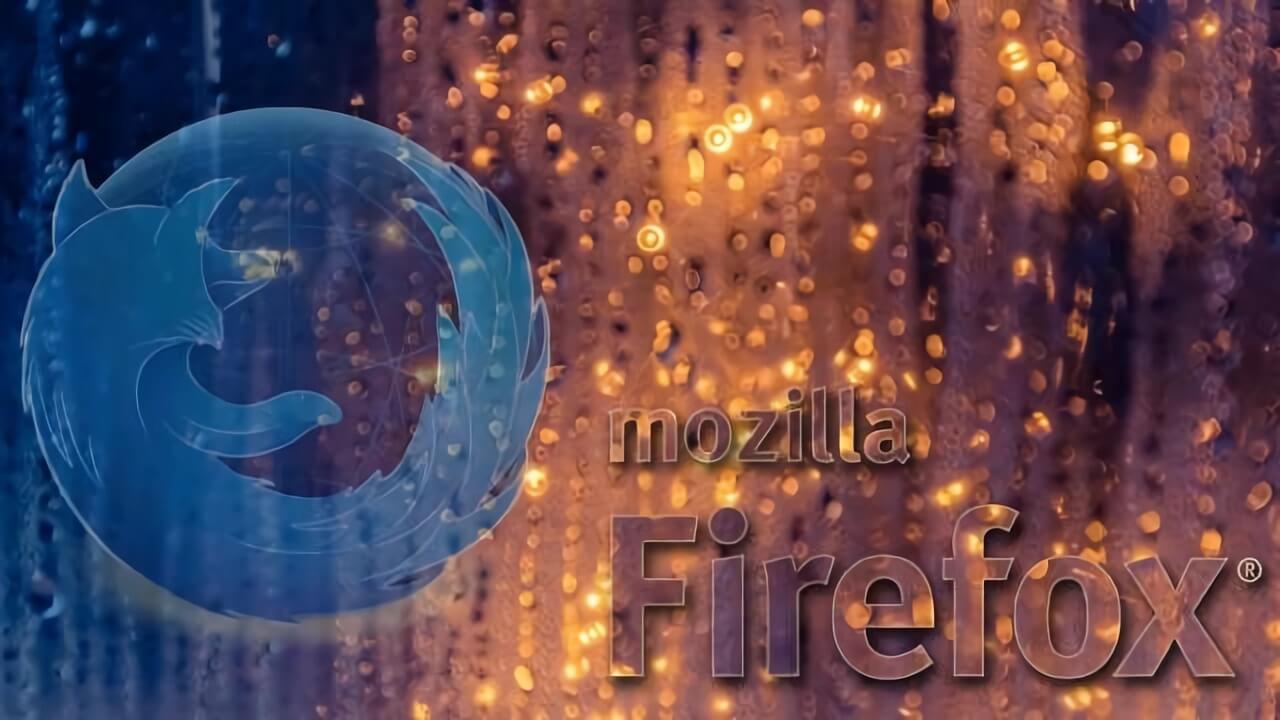
September 2, 2024
85 KB
1280 by 720 pixels
Undulating Background Wallpaper

September 2, 2024
64 KB
1280 by 720 pixels
For Lovers of The Los Angeles Lakers Wallpaper

September 2, 2024
147 KB
1280 by 720 pixels
Light Effect Wallpaper

September 2, 2024
56 KB
1280 by 720 pixels
Wave of Fire Wallpaper

September 2, 2024
73 KB
1280 by 720 pixels
Technological Drawing Wallpaper

September 2, 2024
97 KB
1280 by 720 pixels
Teleporting Wallpaper

September 2, 2024
84 KB
1280 by 720 pixels
Custom Firefox Artwork for Widescreen Displays
Every single background image in this collection underwent a meticulous design process within Photoshop to achieve absolute pixel perfection. These digital assets feature optimized dimensions of 1500×500 and 1000×400 pixels, making them ideal for modern wide monitors and custom browser headers. By blending abstract graphic elements with a sophisticated palette, these minimalist layouts elevate your screen aesthetics while keeping your daily application shortcuts perfectly visible.
Cosmic Blue Minimalist Edit
The premier layout features an updated interpretation of the iconic globe emblem. By rendering continents in deep navy blue and oceans in striking azure, the central graphics achieve brilliant definition. A subtle luminous aura encircles the planet, drawing your focus directly toward the silhouette of the fox. The backdrop utilizes rich, layered violet shades to establish immersive depth. To complete this balanced composition, neat typography rests in the lower portion alongside a direct download link.
Dynamic Amber Flame Concept
Energy meets utility in this second layout, which incorporates vivid orange and yellow gradients to simulate a roaring fire. The fiery patterns occupy the right portion of the workspace intentionally. This strategic placement ensures that your desktop icons remain completely legible on the left side. The warm color choices provide a glowing aesthetic without ever obscuring your essential files.
Tech Circuit and Mosaic Forest Visuals
Technology enthusiasts will appreciate the third alternative, which surrounds the classic emblem with intricate electronic circuit board traces. This delivers a sleek, futuristic vibe suitable for any modern setup. For a more organic appearance, the alternative mosaic version utilizes rich autumnal foliage textures. The artwork positions the famous fox amidst crisp orange leaves and deep emerald forest hues, creating a wonderful seasonal look.
Metallic Pastel and Sports Edition Designs
If you prefer muted palettes, the brown and gold layout utilizes delicate semi-transparent layers to offer an inviting, cozy atmosphere. The central emblem receives a metallic treatment through precise desaturation, while flowing background curves suggest continuous movement. Lastly, the purple and gold edition caters directly to basketball enthusiasts who appreciate vibrant, high-energy contrast.
Each high-resolution file is available through the secure download links provided below. Grab your favorite designs today to transform your desktop, and feel free to share this gallery with fellow enthusiasts across your social channels.